

Car navigation systems are a good idea, but for so many people, it's easier to use a cell phone. Navigation on an infotainment system is often slow and clunky. It's hard to remember where things are located. You know it's dangerous to use your phone while driving, but it seems just as dangerous to take your eyes off the road long enough to figure out how to do the same task on your car's screen. Android Auto makes the whole process easier for Mazda drivers. Now almost everything you could do on your phone, you can do through your car. How Android Auto Makes Driving Safer Possibly the biggest benefit to using Android Auto in your Mazda is you don't have to learn how to use another system. Your phone's apps, notifications, messages, audio files and maps just become available through your car's infotainment. They're stored in the same locations and they behave the same when you use them. You also get Google Assistant. If you need to add something to your shopping list or send a message through a huge collection of messaging apps, you say "Hey Google," just like you would any other time. Android Auto Setup for Mazda Setup is super simple. Just plug your phone into the smartphone port in your car using a high-quality USB cable. Android Auto will open automatically. Either say, "Okay Google," or press the voice control button on your steering wheel to activate Google Assistant. The Commander Knob is located on the center console, designed to be within easy reach while driving. You can either rotate or tilt to toggle between options, then press down on the center to launch them. Music, Nav and Home are already buttons, so you don't have to search for them. Music will open what's now playing on your phone and NAV will pull up current guidance or the map screen. To return to Mazda Connect, press the Home button right above the Commander Knob. You also always have the option of reaching Google Assistant with the steering wheel voice command. For example, you can press the "Talk" button on your steering wheel and say, "Navigate to Velocity Mazda." Apps that Work With Android Auto For navigation, Android Auto supports Google Maps and Waze. Access your contacts and chat or text using voice commands with SMS, WhatsApp, Kik, Hangouts and other messaging apps. Music apps include Spotify, Pandora, Google Play Music and iHeart Radio. You can also use Audiobooks, NPR One and MLB. There's a more extensive list of available apps in the Google Play store. Android Auto Frequently Asked Questions What Mazda vehicles are compatible with Android Auto? Most 2014 or newer Mazda vehicles can have Android Auto installed. We covered the specifics in our article on Apple CarPlay/Android Auto upgrades. How do I add Android Auto to my Mazda? That one is easy, just contact our service department. We'll install it in a few hours. How do I get help using or installing Android Auto in my Mazda? We're always available to help. Contact us through our website or Facebook page or call (855)818-3461.
How Mazda Saves You On Check Engine Light Repairs
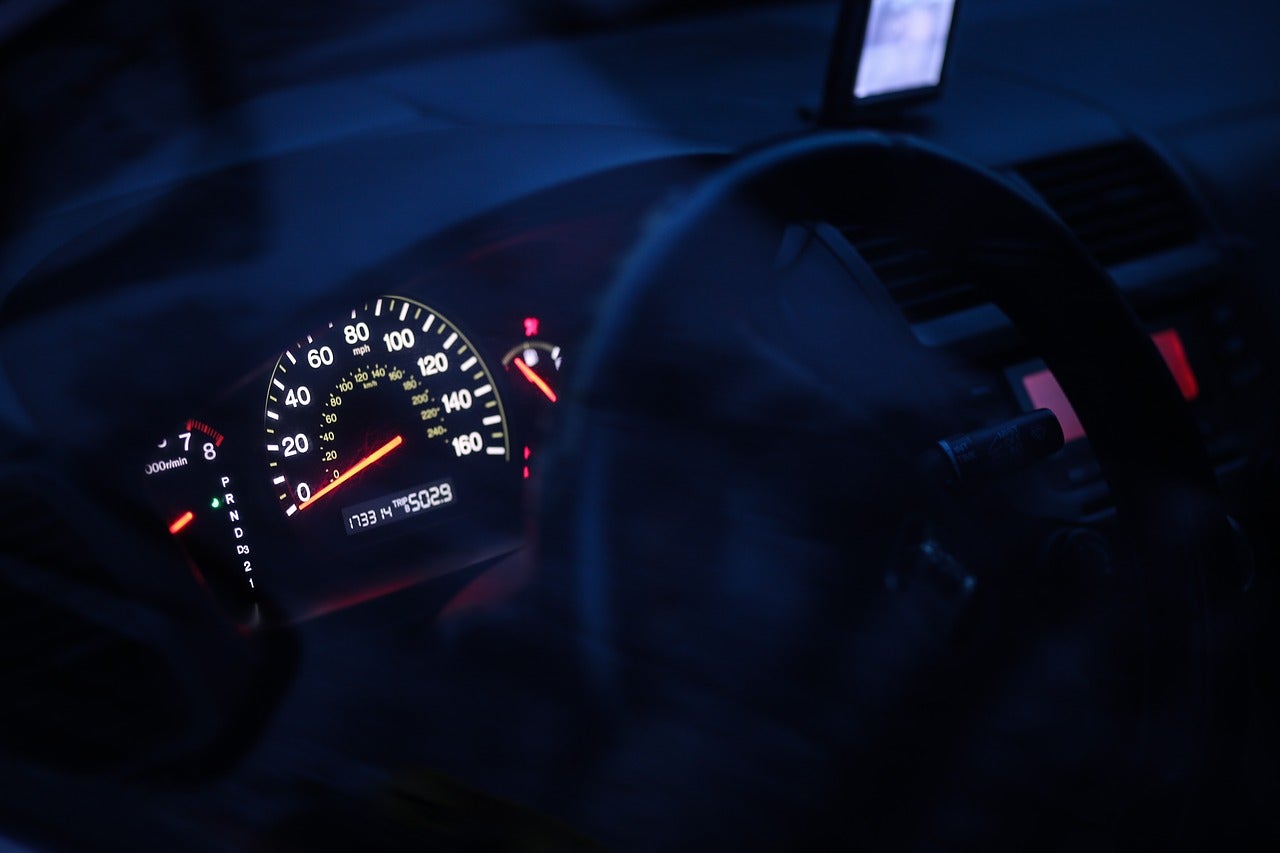
What did you feel the last time a light went on in your dashboard? We hear people say they feel alarmed something might be wrong, a sinking feeling about the potential cost and a tiny bit of hope it will go away on its own. Mazda vehicles are among the most reliable on the road. Usually, owners have years of trouble-free driving as long as they perform the manufacturer recommended maintenance. A recent study found that when the check engine light does go on, if you drive a Mazda, repairs won't break the bank. Don't Ignore a Check Engine Light -- Here's Why When the light goes on, that means something is wrong. Fix it as soon as possible and you'll avoid more costly repairs down the road. A lot of the time the light means something simple needs to be addressed, then you'll be back on the road until time for vehicle maintenance. Wait for it to go away and you might end up with problems like these: A failed oxygen sensor cuts into your fuel economy by as much as 40 percent. Over time, it can also damage your spark plugs and catalytic converter. Mass airflow sensor failure damages O2 sensors, spark plugs and your catalytic converter. It also cuts in to fuel economy. If your catalytic converter goes bad, you could expose yourself and your passengers to exhaust fumes. When engine problems are imminent, ignoring a dashboard warning could leave you stranded on the side of the road with the need for more expensive repairs. Cost of Mazda Check Engine Light Repairs So if that light goes on, what will it cost you to find out what's happening? According to a study by CarMD, it's more affordable to have your Mazda looked at than any other brand. If your Mazda is under warranty, you're already covered. If you're out of warranty, the average is $285.70 to repair check engine light related issues. The very least expensive Mazda is the 2013 Miata, at an average of $81 for check engine light repairs. You love your Mazda because it's fun to drive, packed with premium features and built to last. If you do need to have that light checked, you'll also love how affordable it is to have our service department take a look. What's the Average on Other Car Repairs? If you don't drive a Mazda, what can you expect to pay for check engine light repairs? Vehicle Health Index provided these figures: Replacing spark plug wiring and spark plugs - $331 Swapping mass airflow sensor - $382 Replacing ignition coils and spark plugs - $390 Replacing the catalytic converter - $1,153 Again, that's for other brands. The Mazda averages are much less. Car Brands With Highest Maintenance Costs If you don't already feel really good about driving a Mazda, YourMechanic researched the most and least expensive vehicles to drive and maintain. As you might expect, so-called "luxury" brands topped the list. BMW was by far the most expensive, with a maintenance cost averaging $17,800 over 10 years. Mercedes, Cadillac, Volvo and Audi all cost over $12,000 on average for 10 years of maintenance. Year after year, Mazda vehicles top charts for reliability ratings. If you own one, reliability was probably one of the features that attracted you. It's good to have the extra peace of mind that comes with knowing if you do have a check engine light issue, you're driving the most affordable vehicle to repair. Contact our service department, we're here when you need us.
What Mazda Models Can Get an Apple CarPlay/Android Auto Upgrade?
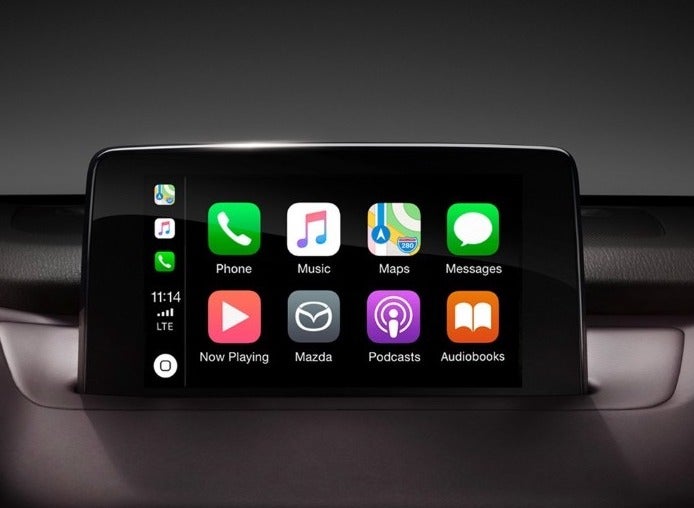
If you look at a new Mazda vehicle, it will make you hurt a little bit. The 2019 Mazda3 has a completely redesigned interior and exterior. Mazda CX-9 has a number of interior, technology and exterior upgrades. The 2019 Mazda6 has more premium features and loads of torque. Plus, it's prettier than ever. Part of what makes the 2019 models so enviable is the Apple CarPlay and Android Auto upgrade they come with. Fortunately, if you have new car technology envy, you might not have to trade your old ride to get it. Let's look at what's so great about the technology and whether or not you can have it installed in your Mazda. About Apple CarPlay/Android Auto A lot of in-car infotainment systems just fall short. They're hard to use. The technology is often outdated. Drivers use their phones for directions, music and information because it just works better. Apple CarPlay and Android Auto are a version of your iPhone or Android device that runs through your car's computer interface. Use the same voice commands you do for your phone to interact with your car. The manual controls still work the same, but the whole system is more user-friendly. If you choose Apple CarPlay, after installation you plug in your phone (requires iPhone 5 and up) to get the friendly, familiar icon and screens. With Android Auto, you download the app on your device, plug it in to a USB port and the program loads automatically. Calls and texts are hands-free. With Apple CarPlay, use the steering wheel voice prompt button or say, "Hey, Siri." For Android Auto, hold down the steering wheel microphone button. For navigation, access Apple's Maps or Google Maps. Download third-party music apps like Spotify, Pandora or Audible to take audiobooks and playlists on the road. What Mazdas Can Be Retrofitted If your Mazda is a 2014 or newer, most likely we can add this technology in our service department. It's crazy inexpensive for a technology upgrade, and it only takes about two hours to install. Here's the list of eligible Mazda vehicles: 2014 - 2018 Mazda3 2016-2018 Mazda6 2016-2019 Mazda MX-5 2017-2019 Mazda MX-5 RF 2016-2019 Mazda CX-3 2016-2018 Mazda CX-5 2016-2018 Mazda CX-9 If you have more questions about the upgrade, we're here to help. Call our service department at 855-818-3461 or fill out our online contact form and we'll get in touch.
4 Road Safety Tips for Holiday Travel
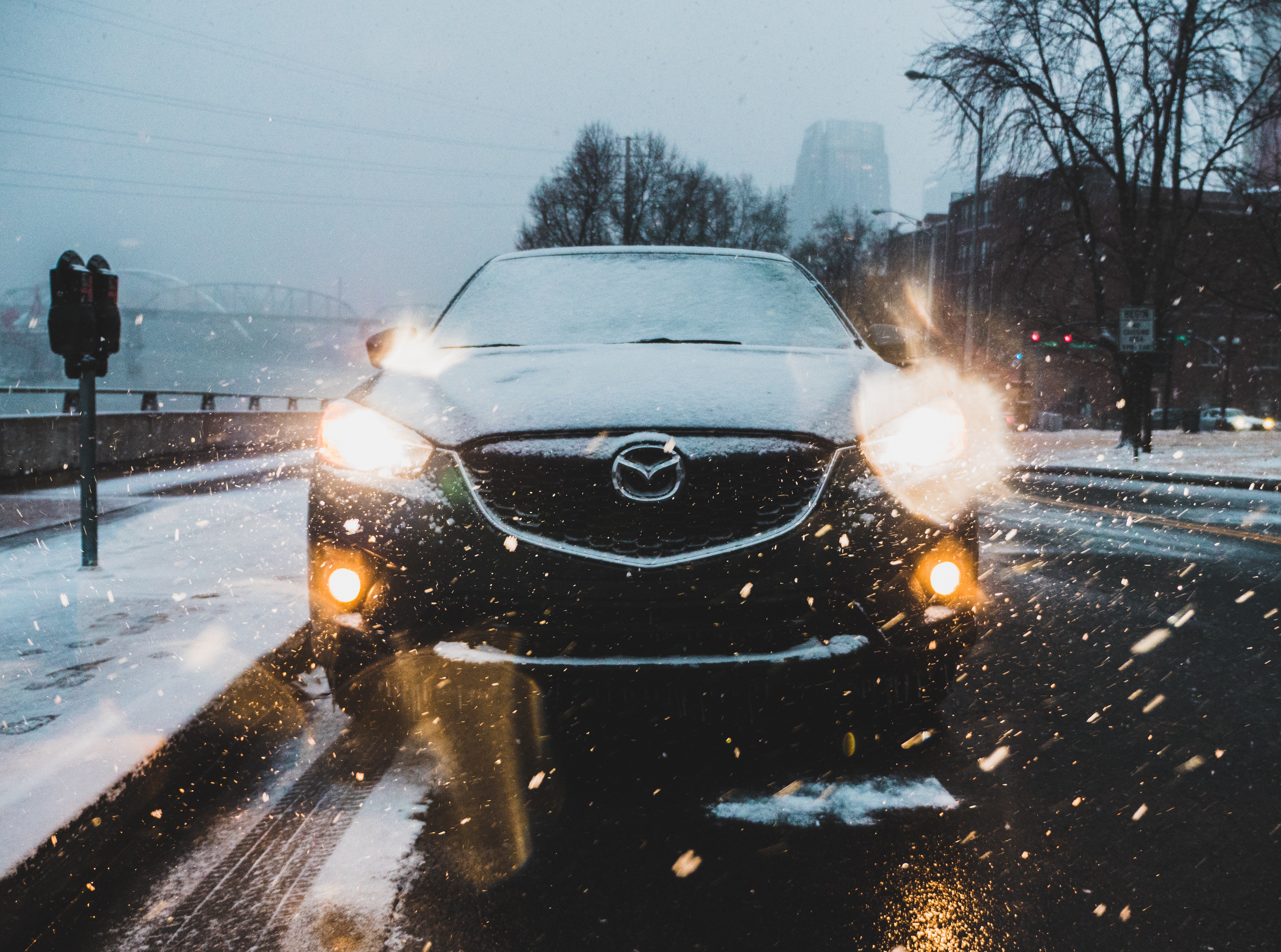
From now until after New Year's there are more drivers on the road driving long distances. For many East Texas drivers, the season means spending hours in the car as you travel to visit friends and family members you don't see the rest of the year. Unfortunately, Thanksgiving, New Year's Day and Christmas are the most dangerous days to be on the road. The American Safety Council reports those days see the highest number of traffic fatalities. It isn't just drinking and driving that causes accidents. Holiday travel often involves little passengers that can cause distractions. Tyler traffic is bumper-to-bumper on Broadway all month, increasing driving stress and incidences of road rage. People sleep less during the busy season and drive drowsy. We want every single one of our customers to stay safe throughout the season. We've put together these tips for safe holiday travel. Schedule Vehicle Maintenance Have your car and tires inspected before you leave town. Make sure your battery and charging system won't leave you stranded in cold weather. Inspect belts for cracking and fraying. Visually inspect hoses, air filters, coolant levels and light operation. Replace windshield wiper blades if needed and fill your windshield washer fluid reservoir with a solution that contains antifreeze. Our service center provides maintenance for all vehicle makes and models. Take Safety Seriously Decide now you won't drink and drive. Put your cell phone away when you're in the car every single time. Insist all riders use a seat belt even if you're just driving to the corner and back. Anticipate Problems Take time to think about what you're driving into. In East Texas we have severe weather, but many Tyler drivers lack experience when it comes to driving in snow and ice. If travel to your destination takes you through areas where that's a possibility, plan ahead. Expect heavier traffic than normal and allow for extra time. Don't just plug in your destination as you leave the driveway and let your infotainment system or cell phone take over. Map your route a day or so ahead and look to see where you might encounter problems. If there's road construction, can you see an alternate route? If you're on the road for more than an hour, plan for bathroom breaks and meal stops. In Tyler it's easy to find a gas station, but that isn't true everywhere. If you're driving to the airport, expect heavy traffic and packed parking garages. Again, allow yourself plenty of time to park your vehicle and get to your flight. Teach Kids Safe Habits Now is a good time to remind young passengers not to talk to strangers. When you stop, stick together for bathroom breaks.